
Master Your Documents: The Ultimate Guide to Splitting PDFs Effortlessly
In the modern digital workspace, flexibility is the ultimate currency. We often find ourselves with massive, multi-page PDF documents—ebooks, monthly bank statements, or bulky legal contracts—when we only really need a single page or a specific chapter.
Sending a 100-page document when only page 5 matters is not just a waste of bandwidth; it’s a breach of focus. This is why Splitting PDFs has become an essential skill for professionals from New York to Berlin.
But how do you extract pages without losing quality or compromising your privacy? Let’s explore the world of PDF splitting and how DailyWebUtils is revolutionizing the process for users worldwide.
What is PDF Splitting and Why Do You Need It?
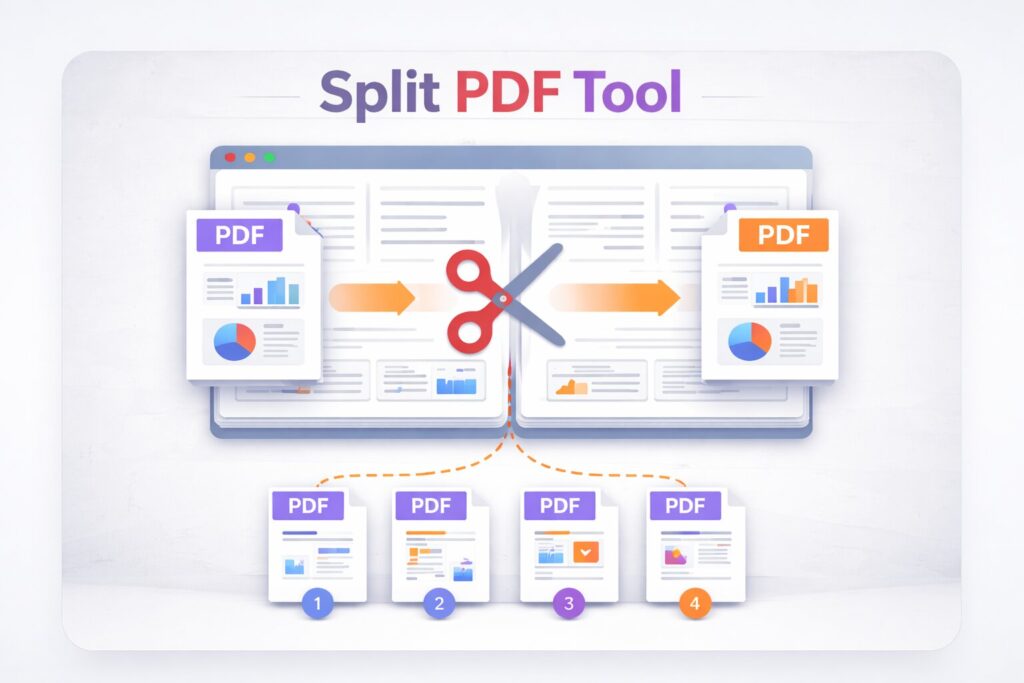
PDF splitting is the process of breaking down a single, large PDF file into multiple smaller files. Think of it as “digital surgery” for your documents.
1. Targeted Information Sharing
If you are a freelancer in London working on a collaborative project, you might have a master brief that contains sensitive financial data on one page and project instructions on another. Splitting allows you to share only the relevant instructions with your team while keeping the financial data private.
2. Meeting Upload Limits
Many government portals in the USA, Canada, and Australia (like tax filing or immigration sites) have strict file size limits. A high-resolution 50-page PDF might be too large. By splitting it into smaller parts, you can bypass these restrictions without compressing and losing image quality.
3. Organizing Personal Archives
Tax season in Canada or the UK can be overwhelming. Instead of having one giant PDF for all your annual receipts, you can split them into monthly files or category-specific documents for better organization.
Why DailyWebUtils is the Preferred Choice in the USA, UK, and Canada
The internet is flooded with “Free PDF Splitters,” but most of them come with hidden costs: watermarks, daily limits, or intrusive ads. At DailyWebUtils, we’ve built a tool that respects your time and your data.
🔒 Privacy by Design
In countries with strict data laws like France and Germany (GDPR), document security is paramount. DailyWebUtils processes your files locally or on secure, temporary servers. We don’t store, read, or sell your documents. Once your session ends, your data is gone forever.
🚀 High-Speed Processing
Whether you’re on a business trip in Chicago or working from a café in Toronto, you need tools that keep up with you. Our Split PDF engine is optimized for speed, handling even the heaviest files in seconds.
💎 100% Free & No Watermarks
We believe professional tools should be accessible. There are no “Premium” tiers here. You get full access to high-fidelity splitting, zero watermarks, and unlimited usage—completely free.
3 Ways to Split Your PDF with DailyWebUtils
Every document is different, so we provide three distinct ways to split your files:
Method 1: Extract All Pages
This is perfect for when you have a document where every page needs to be its own separate file. Our tool will take a 10-page PDF and instantly give you 10 individual files in a neat ZIP folder.
Method 2: Custom Ranges
Need pages 1-5 for one person and pages 10-15 for another? You can define custom ranges (e.g., 1-5, 8, 12-20) and DailyWebUtils will create separate PDFs for each specified range.
Method 3: Visual Page Selection (The Expert Way)
Just like our Merge tool, our Split tool provides Individual Page Previews. You can scroll through the thumbnails, click on the specific pages you want to keep, and discard the rest. It’s intuitive, visual, and error-proof.
Step-by-Step Guide: How to Split PDF Online for Free
Using our tool is as simple as 1-2-3. Follow these steps for a perfect result:
- Upload Your File: Go to DailyWebUtils Split PDF and upload your document.
- Choose Your Split Mode: Select between “Extract All,” “Custom Ranges,” or “Visual Selection.”
- Download & Save: Hit the “Split PDF” button. Your new, organized files will be ready for download instantly.
Tailored PDF Solutions for Global Industries
For Real Estate Agents (USA & Australia)
Manage floor plans, contracts, and disclosures separately. Split your “Master Listing PDF” into individual brochures for potential buyers.
For Academic Researchers (UK & Europe)
Extract specific chapters or cited references from massive academic journals. Keep your research organized and your citations clear.
For Legal Professionals (Canada & Singapore)
Handle court bundles with ease. Split long transcripts into witness-specific files to stay ahead in the courtroom.
Frequently Asked Questions (FAQs)
Q: Can I split a PDF and then merge the parts in a different order?
A: Absolutely! You can use our Split tool to get the pages you need and then use our Merge PDF tool to reorganize them.
Q: Is there a limit to the file size I can upload?
A: DailyWebUtils supports large files, but for the best experience, we recommend files up to 100MB to ensure smooth browser performance.
Q: Does splitting a PDF reduce the quality of the text or images?
A: Not at all. We use a lossless extraction process. The text remains searchable (OCR stays intact), and images keep their original resolution.
Conclusion: Take Command of Your Documents Today
Don’t let rigid documents slow down your workflow. Whether you’re a digital nomad in Bali or a corporate executive in London, having the right tools makes all the difference.
DailyWebUtils is committed to providing world-class utility tools that are fast, free, and, most importantly, secure. Experience the freedom of managed documentation today.