
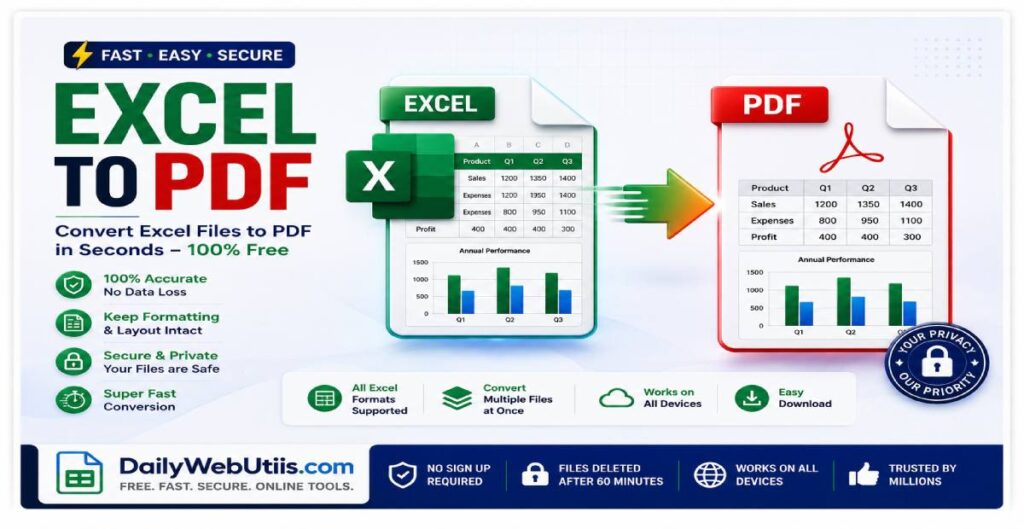
In the corporate ecosystems of the US, UK, and Canada, data integrity is everything. Whether you are sending a monthly financial report, a freelance invoice, or a complex data analysis dashboard, spreadsheets are the backbone of modern business.
However, sharing these documents in their native .xlsx or .csv formats is a massive professional and security mistake.
In 2026, corporate data compliance is stricter than ever. Sending raw Excel files leaves your hard work vulnerable to formula tampering, broken mobile layouts, and accidental data deletion. In this expert guide, we break down why you must lock your spreadsheets and how to use the Next-Gen DailyWebUtils platform to securely convert Excel to PDF in seconds.
The 3 Dangers of Sharing Raw Excel Files
Before you attach that spreadsheet to an email for your boss or a client, consider these critical risks:
- Formula Tampering & Accidental Edits: An Excel file is a live workspace. If you send an invoice or a balance sheet as an
.xlsxfile, the recipient can easily alter the numbers, change your formulas, or accidentally delete rows. You lose total control over your financial data. - Broken Mobile Formatting: Over 60% of executives open emails on their smartphones. Raw spreadsheets look terrible on mobile screens. Columns get hidden, text overflows, and charts become unreadable, making you look unprofessional.
- Data Scraping Vulnerabilities: Editable spreadsheets are easily parsed by malicious scripts. If an unsecured Excel file containing client lists or employee salaries is intercepted, the data can be extracted instantly.
The Solution: Lock Your Data with a Secure PDF
Converting your Excel file to a PDF acts as a digital laminate. It freezes your gridlines, locks your typography, and secures your formulas, ensuring the recipient sees exactly what you intended them to see—regardless of the device they use.
You don’t need a bulky Adobe subscription to do this safely. DailyWebUtils offers an enterprise-grade, lightweight SaaS solution that takes seconds.
How to Secure Your Spreadsheets on DailyWebUtils:
- Step 1: Navigate to our free Excel to PDF Converter (Replace with your exact tool link).
- Step 2: Drag and drop your
.xlsx,.xls, or.csvfile into the sleek conversion zone. - Step 3: Click convert. Our smart engine automatically scales your columns to fit perfectly on a standard PDF page size, maintaining crisp vector text and preventing layout breaks.
- Step 4: Download your locked, presentation-ready document instantly.
💡 Career Pro-Tip for Data Analysts: Are you applying for remote corporate roles? Never submit your portfolio data as an editable spreadsheet. Lock it into a clean PDF using DailyWebUtils.
The DailyWebUtils “Zero-Upload” Privacy Advantage
If you are dealing with sensitive financial forecasts, payroll data, or client invoices, you cannot afford to upload these files to random online converters that store your data on external servers.
DailyWebUtils operates on a strict Zero-Upload Privacy Protocol:
- 100% Client-Side Processing: We utilize next-generation browser-based technology. Your Excel files are processed locally directly on your device.
- No Server Storage: Your financial data NEVER touches our cloud servers. It is mathematically impossible for us to view, store, or leak your spreadsheets.
- Instant & Unlimited: Because we don’t rely on server queues, your conversions are lightning-fast. No limits, no sign-ups, and absolute privacy.
Frequently Asked Questions (FAQ)
1. Will my Excel charts and graphs look exactly the same in the PDF?
Ans: Yes. The DailyWebUtils conversion engine precisely maps your active print areas. All embedded charts, colored cells, and custom typography (like Inter or Plus Jakarta Sans) are locked into a lossless vector format, ensuring pixel-perfect quality.
2. Can someone reverse the PDF back into an Excel file to see my formulas?
Ans: No. When you convert an Excel file to a PDF using our tool, the underlying mathematical formulas are permanently flattened into static text. The recipient will only see the final calculated numbers, keeping your proprietary formulas completely secret.
3. Is it safe to convert highly confidential company balance sheets here?
Absolutely. Because DailyWebUtils uses 100% browser-based processing, your confidential balance sheets never leave your computer. There is zero risk of data interception because there is zero upload happening.
Lock Your Spreadsheets Today
Stop taking risks with your financial data and professional reputation. Secure your spreadsheets instantly and permanently.
👉 Click here to convert your Excel files to PDF for free at DailyWebUtils!