
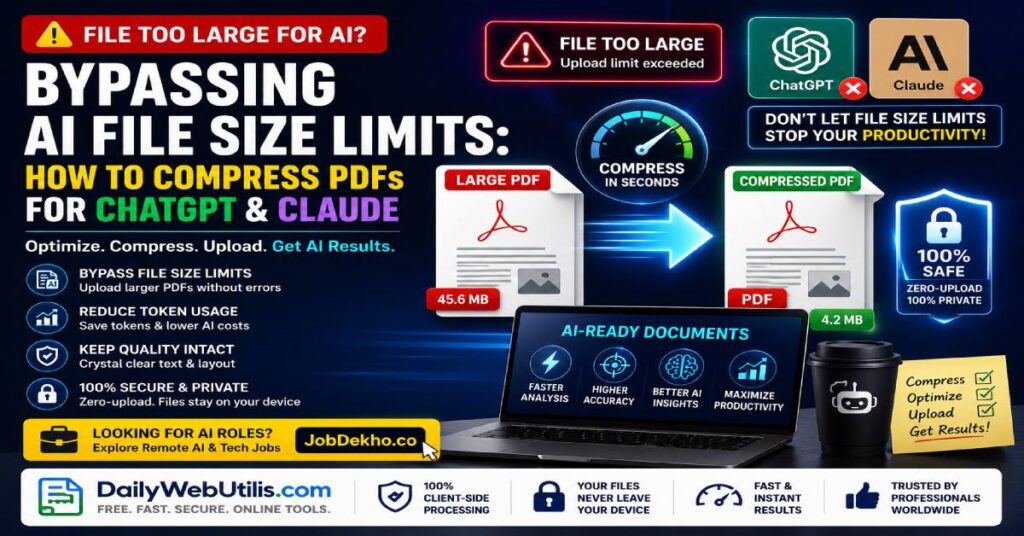
In 2026, using artificial intelligence to analyze massive datasets, legal contracts, and financial reports is standard practice in the corporate world. Advanced Large Language Models (LLMs) like ChatGPT, Claude, and Gemini have revolutionized how we process information.
However, millions of professionals are constantly running into the same frustrating roadblock: The File Size Limit Error.
When you try to upload a heavy, image-dense, or unoptimized corporate PDF into an AI prompt window, the system frequently rejects it. In this expert guide, we will break down why these limits exist and how you can seamlessly bypass them by using the DailyWebUtils platform to compress your documents without losing critical text quality.
Understanding Token Caps and AI Upload Limits
Why do AI platforms restrict your uploads? It comes down to computational bandwidth and token limits.
- Server Overload: Processing a 50MB document requires massive server power. To keep platforms stable, AI companies place strict caps on file sizes (often hovering around 10MB to 30MB depending on your subscription tier).
- Token Processing Constraints: AI models read data in “tokens.” If your PDF is bloated with unnecessary high-resolution background images, embedded fonts, and uncompressed metadata, it exhausts the AI’s memory context window before it even gets to the actual text.
- Data Extraction Failures: Heavy, unoptimized files often cause AI parsers to hallucinate or time out, resulting in inaccurate summaries or missing data points.
The Solution: Optimize and Shrink Document Size
To get the most out of your AI tools, your document must be lightweight and text-forward. You need to strip away the digital bloat while keeping the core layout and typography perfectly intact for the AI scraper to read.
Here is how you can instantly solve the “file too large” error:
- Step 1: Head over to the free Compress PDF Tool (Replace with your live tool link).
- Step 2: Drag and drop your massive corporate document into the interface.
- Step 3: Let the smart engine do the heavy lifting. It automatically downscales unnecessary background image resolutions, removes junk metadata, and optimizes the vector architecture without touching the text layer.
- Step 4: Download your newly compressed, lightweight PDF and upload it directly to ChatGPT or Claude for seamless analysis.
💡 Career Pro-Tip: Are you an AI Prompt Engineer or Data Analyst looking for a new role? Companies in the US and Canada are aggressively hiring tech talent who understand workflow optimization.
The DailyWebUtils Zero-Upload Security Protocol
When dealing with confidential legal cases, financial forecasts, or proprietary corporate data, you cannot afford to compress your files on random websites that upload your data to external servers.
DailyWebUtils is engineered for the modern privacy-conscious professional. We operate on a strict Zero-Upload Privacy Architecture:
- 100% Browser-Based Processing: Our compression engine runs entirely client-side. Your PDFs are compressed locally right inside your web browser.
- No Server Storage: Your sensitive files never leave your device and are never uploaded to any external cloud database.
- Absolute Compliance: Because there is zero data transmission, your proprietary information is 100% safe from third-party interception or unauthorized AI scraping.
Frequently Asked Questions (FAQ)
1. Will compressing my PDF make the text unreadable for ChatGPT?
Ans: No. The DailyWebUtils compression engine targets embedded media, hidden layers, and metadata. It utilizes a lossless text compression technique, meaning the core typography remains razor-sharp and fully readable for both human eyes and AI OCR parsers.
2. What is the typical file size limit for popular AI chatbots?
Ans: While limits change based on premium tiers, generally, free and standard tiers of AI tools limit document uploads to between 10MB and 30MB. By compressing your files, you can often shrink a 40MB file down to under 5MB, easily bypassing these restrictions.
3. Can I compress a highly confidential legal contract here?
Ans: Absolutely. Because our tool operates on a 100% Zero-Upload, client-side framework, your legal contracts never touch our servers. Processing happens entirely on your local machine, guaranteeing maximum data security.
Optimize Your AI Workflows Today
Stop letting file size limits slow down your productivity. Shrink your massive documents securely and get the AI analysis you need instantly.
👉 Click here to compress your PDF files for free at DailyWebUtils!